

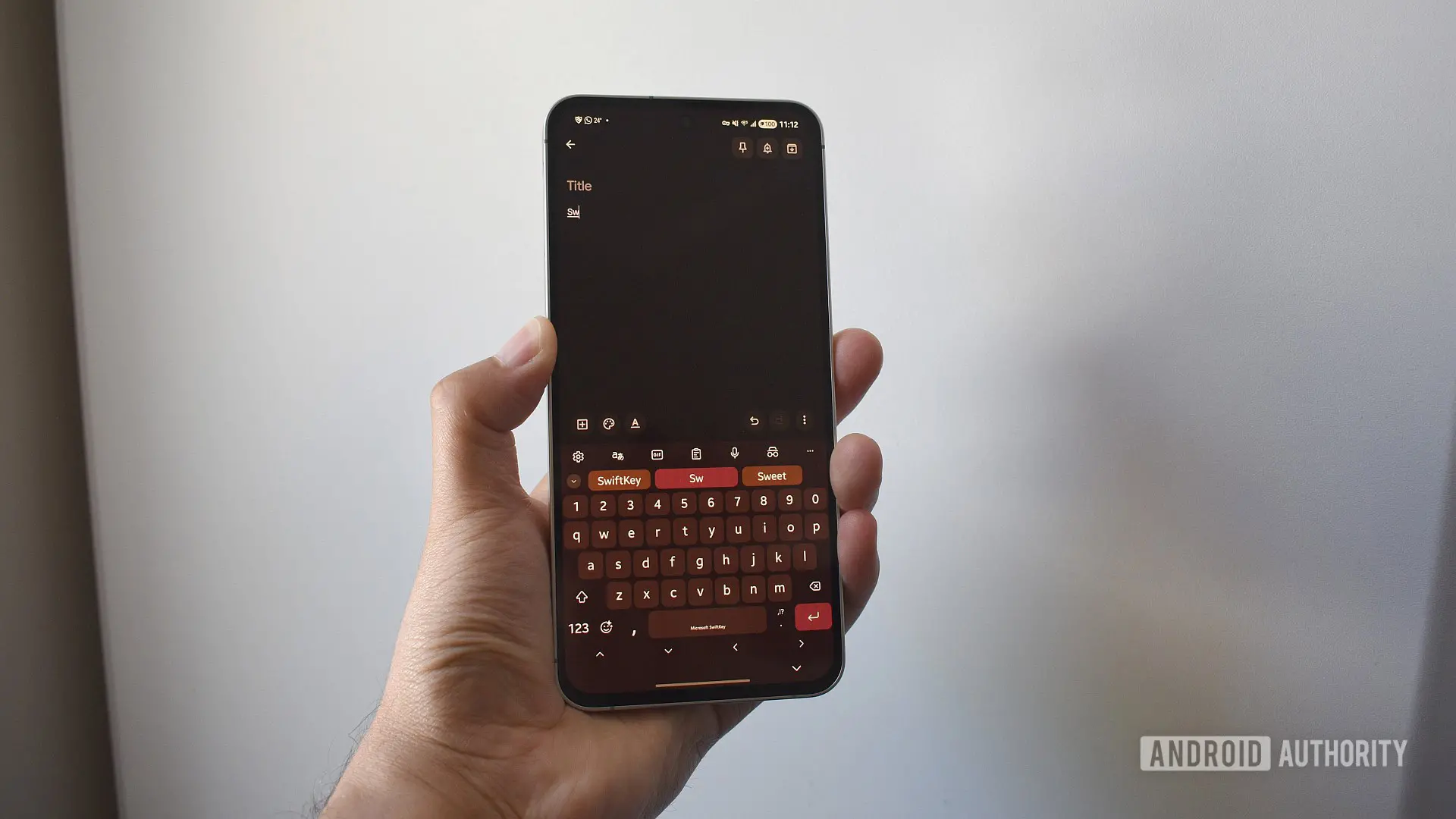
If you are one of the millions who have relied on SwiftKey for its uncanny ability to predict your next word, brace for a change. Microsoft has announced that starting May 31, 2025, SwiftKey will no longer support backup via Google or Apple accounts. After that date, your personalized dictionary and prediction model – the secret sauce that makes SwiftKey so good – will be deleted from those servers, and the Backup & Sync feature will be disabled unless you switch to a Microsoft account.
This move is part of Microsoft’s broader strategy to consolidate its services under its own ecosystem, similar to how it has integrated OneDrive for data storage across Office, Windows, and now SwiftKey. The deadline is firm, and there is no indication of another extension. If you value the time you have invested in teaching SwiftKey your unique typing style – your preferred shorthand, slang, names, and frequently used phrases – now is the time to act.
What Exactly Is Being Affected?
SwiftKey’s cloud backup has historically allowed users to sync their personal dictionary and prediction model across devices. The personal dictionary is a collection of words and phrases you have typed that the keyboard has learned: your email addresses, unusual jargon, foreign language words, or even the names of your family and friends. The prediction model is built from this dictionary and adjusts to your typing frequency, so that common words you use are suggested first. Together, they make typing fast, especially for swipe (gesture) typists who rely on smooth continuous strokes.
Without this backup, if you lose your phone or switch to a new one, all that learning is gone. The keyboard will start from scratch, which can be frustrating and slow. For power users who have used SwiftKey for years, the loss is immense. Microsoft’s support page explicitly states: “After May 31, 2025, you will lose access to backup and sync if you have not transferred to a Microsoft account.”
A Brief History of SwiftKey
SwiftKey was launched in 2008 by British startup SwiftKey, Inc. It quickly gained a reputation for the best predictive text engine among third-party keyboards. In 2016, Microsoft acquired the company for a reported $250 million, promising to integrate its technology into Microsoft’s mobile products. Over the years, SwiftKey has become a staple on Android, and also ships as the default keyboard on some Samsung devices. However, Microsoft has gradually phased out certain features, such as the original SwiftKey Neural Alpha, and now the Google/Apple backup option.
The decision to retire third-party logins is likely driven by security and data integration. By forcing all backups through Microsoft accounts, the company can better protect user data under its own privacy policies and offer a seamless experience across Windows, Android, and iOS. However, for users who prefer not to create yet another account, this is a bitter pill.
How to Transfer Your Data: Step-by-Step Guide
Microsoft has provided a way to export your data before the cutoff. Here is the detailed process:
- Visit the Microsoft SwiftKey data portal on any web browser. You can also access it from the SwiftKey app by navigating to Settings > Account > View and manage your data.
- Select your current account provider (e.g., Google or Apple) and log in if prompted.
- Click on “View data” – you will see a list of all words in your personal dictionary. You can manually note them, but the more efficient method is to use the “Export all” button, which downloads a text file containing your words.
- Wait for the download to finish and save the file to a safe location.
- Create a Microsoft account if you do not have one (you can use any email for this).
- Log in to OneDrive with your new Microsoft account. Navigate to the Apps > SwiftKey folder. (If the folder does not exist, create it manually.)
- Upload the exported file to this folder.
- Go to SwiftKey on your phone, open settings, and log in with your Microsoft account. Your personal dictionary should be automatically imported from OneDrive.
- Check if predictions are working – if not, ensure the file is correctly placed under Apps > SwiftKey. You may need to restart the keyboard.
This process works for both Android and iOS versions of SwiftKey. Note that the backup only includes your dictionary and prediction model, not other settings like themes or layout preferences. For those, you might need to back up manually using SwiftKey’s built-in backup option (which also relies on your account).
What If You Forget to Transfer?
If you miss the deadline, your data will be deleted from Google or Apple servers. The keyboard itself will still function, but you will lose sync capabilities and your custom dictionary will be deleted from the cloud. Any new device you set up without a Microsoft account login will start with a blank dictionary. However, the data on your current device will remain intact as long as you do not uninstall the keyboard or clear its data. To preserve it, you could manually export the dictionary via the same data portal before the cutoff, but after May 31, the export option may no longer work. It is strongly recommended to act now.
As a small incentive, Microsoft is offering up to 1,000 Microsoft Rewards Points to users who complete the migration. These points can be redeemed for gift cards, Xbox Game Pass subscriptions, or charitable donations. While not huge, it is a token to ease the transition.
Why This Matters for Typing Efficiency
SwiftKey’s prediction engine is not just about spelling correction; it learns the context of your typing. For instance, if you regularly type “android authority” as one phrase, SwiftKey will eventually show it as a single suggestion. If you have built a large personal dictionary over several years, the loss of that dataset can significantly reduce typing speed. Swipe users are particularly affected because the algorithm relies on the frequency of word combinations. Re-learing the dictionary can take weeks or months of use, and some users never get back to the same level of accuracy.
The move to Microsoft accounts also means that if you use multiple devices, you can now sync across them using OneDrive instead of Google Drive. For users already embedded in the Microsoft ecosystem (Outlook, Office, Windows), this may be a welcome change. For others, it is another data silo. However, given the ubiquitous nature of Microsoft accounts (you can use any email address to create one), the hurdle is low.
In the grand scheme, this is a minor but important transition for SwiftKey enthusiasts. With the deadline looming, automation is not an option – manual intervention is required. The instructions above are straightforward, and you can complete the entire process in less than ten minutes. Do not wait until June 1, when your personalized typing history may vanish into the digital ether.
If you encounter any issues during the transfer, Microsoft’s support page for SwiftKey data management includes troubleshooting steps. Common problems include the export file not uploading properly, or the prediction model not updating immediately after login. In such cases, ensure the file is a plain text file (not compressed) and placed in the exact OneDrive folder path: Apps/SwiftKey/. Also, check that you have granted SwiftKey the necessary permissions to access OneDrive. Once set up, future backups will occur automatically whenever you are signed in with your Microsoft account.
SwiftKey remains one of the most popular keyboard alternatives on both Android and iOS. By preserving your personal data, you ensure that your typing experience continues to be smooth and efficient. Do not let a fast-approaching deadline undo years of customization.
Source: Android Authority News